
KKnightCat Studio
Turn your cat photo into a tiny medieval hero with a knight cat AI video generator workflow. Picture your cat in silver armor, holding a miniature sword beside a towering knight or facing a friendly dragon. Explore copy-ready cat knight AI prompts to create a character image first, then animate it into a cinematic or playful short video with Knight Cat AI.
Start with one clear photo of your cat. Create an armored character image, then use it as the video reference. Keep the same fur markings, face, armor, and sword throughout. Available inputs, aspect ratios, duration, and audio depend on the selected model.
Community showcase
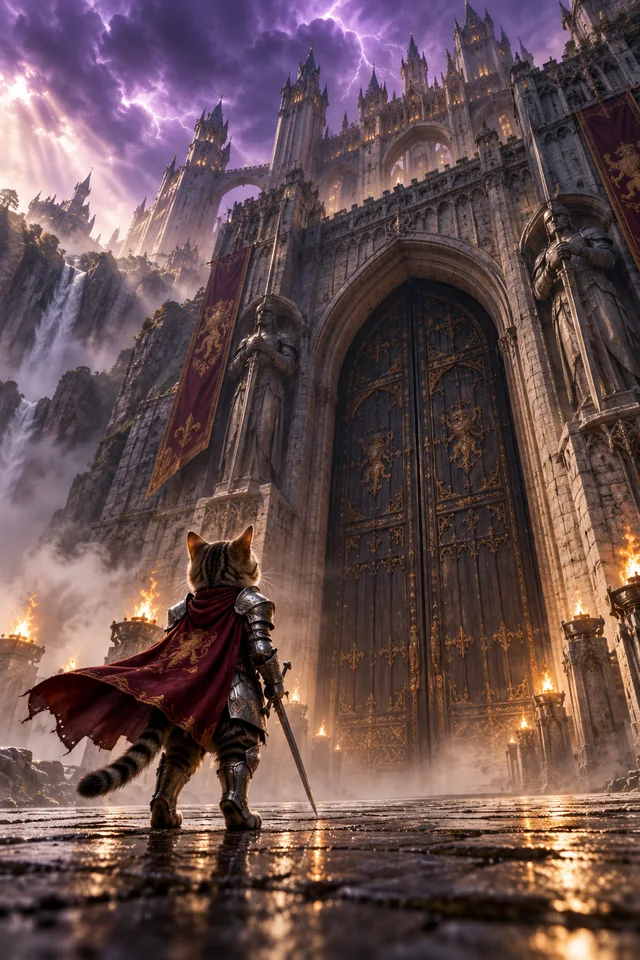
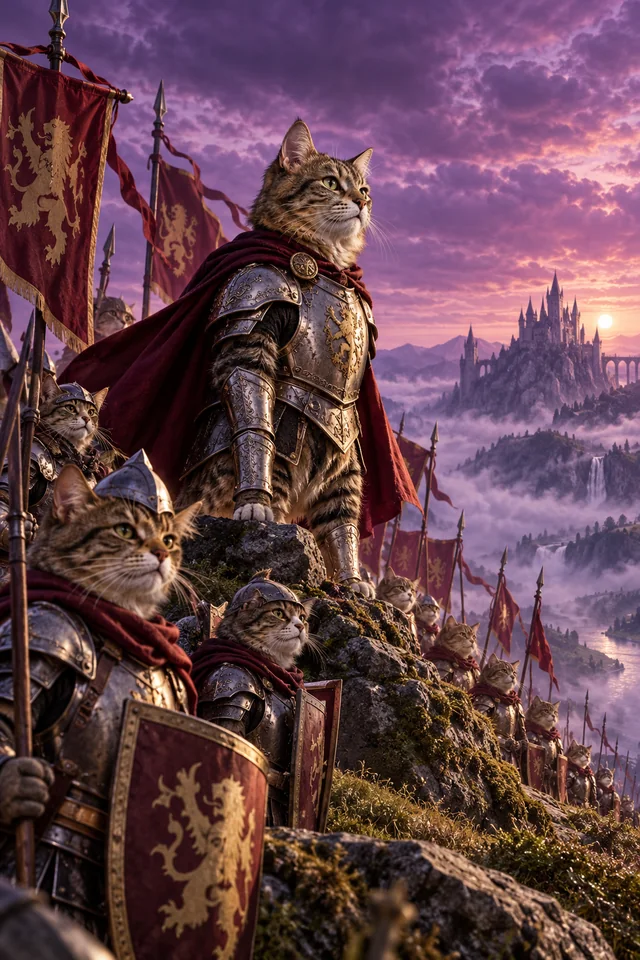
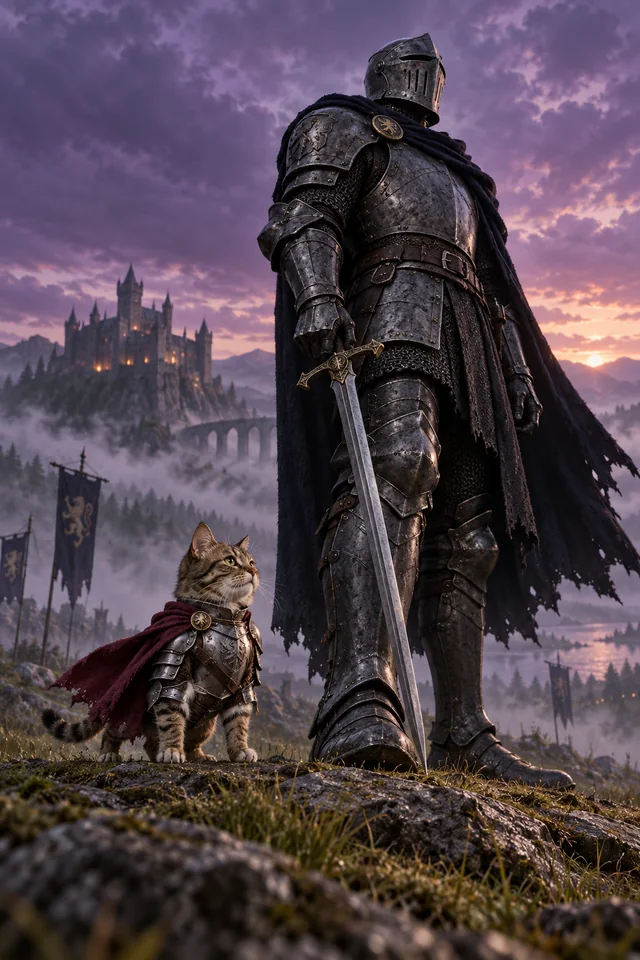
The appeal of the knight cat meme is the contrast between a tiny feline hero and a much larger world. Place your armored cat beside a towering knight, an enormous castle gate, or a gentle dragon. Keep the cat's full body visible so its miniature sword and brave stance are easy to notice.
Use your photo to define the cat's face, eye color, ears, and fur markings. Add knight armor without hiding those features. Once you have a character image you like, reuse it for animation and keep the armor, cape, sword, and body proportions consistent across shots.
A small step forward, a careful sword lift, or a curious glance can tell the story. Keep each cat knight AI video focused on one short action sequence. Low-angle framing, gentle cape movement, and a slow camera push-in can add atmosphere without overwhelming the character.
Start with a tiny knight beside a giant warrior, then explore original variations: meeting a dragon, guarding a milk bottle, or chasing a red dot. These knight cat video prompts combine medieval fantasy with familiar feline behavior. Choose 9:16 for vertical clips where supported.
Choose a sharp photo showing your cat's face and fur markings. In a compatible image tool, use the image prompt below to turn your cat into a knight with silver armor, a small sword, and a cape. Check the face, paws, proportions, and scene before using the result as your video reference.
Upload your finished knight-cat image to a compatible image-to-video model. Copy the matching knight cat AI video prompt and describe the action, camera movement, and details to preserve. Start with a short clip and one simple sequence. Select an available duration and aspect ratio.
Preview the clip and check your cat's face, fur pattern, paw movement, and sword placement. Make sure its size stays consistent beside larger characters. Simplify the action or refine the starting image if needed. Add music or captions in an editor, then download your knight cat video for Reels, TikTok, or Shorts.
Start with an image prompt, then animate the same character with the matching video prompt.

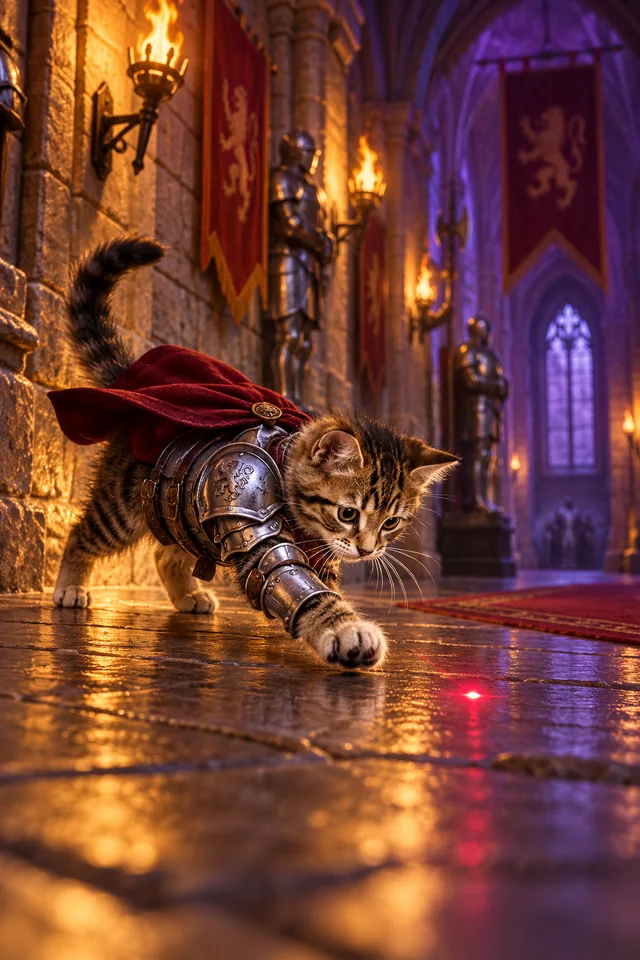
Use the uploaded cat photo as the sole identity reference. Preserve its face, fur markings, eyes, and ears. Show this same cat as a tiny upright knight wearing lightweight silver armor and a burgundy cape in a medieval stone corridor. One small sword is securely sheathed at its waist, leaving both front paws empty. The cat stands proudly. A single bright red laser dot appears on the floor a short distance ahead. Warm torchlight, realistic fur, full-body framing, vertical 9:16, no text.
Animate the finished image into a 6-second continuous shot, or use an available duration. The cat notices the red dot, tilts its head, and focuses on it. The dot moves a short distance right. The cat crouches and makes one small playful hop, landing with its front paws beside the dot. Keep its identity, armor, and size consistent; the sword stays sheathed. Fixed camera, full body visible, grounded movement. No extra paws, duplicate dots, morphing, or scene cuts. Split into shorter clips if the movement becomes distorted.

Use the uploaded cat photo as the only cat identity reference. Preserve its face, fur markings, eyes, and ears. Show this same cat as a tiny upright medieval knight in fitted silver armor and a burgundy cape, holding one miniature sword in its front paw. Keep its feline face visible. Beside it stands a towering human knight in dark armor, holding a massive sword pointed downward. Both face forward in a misty medieval field. The cat reaches only the human knight's lower shin. Full-body cat, realistic fur and metal, low-angle framing, vertical 9:16, no text.
Animate the finished image into a 7-second continuous shot, or use an available duration. Preserve both characters, their armor, weapons, and size difference. The cat looks up at the human knight, faces forward, takes one small step, and raises its miniature sword to chest height. The human slowly turns his helmet toward the cat. Gentle cape movement, drifting fog, subtle camera push-in. No fighting, extra limbs, duplicated swords, or changes in scale.

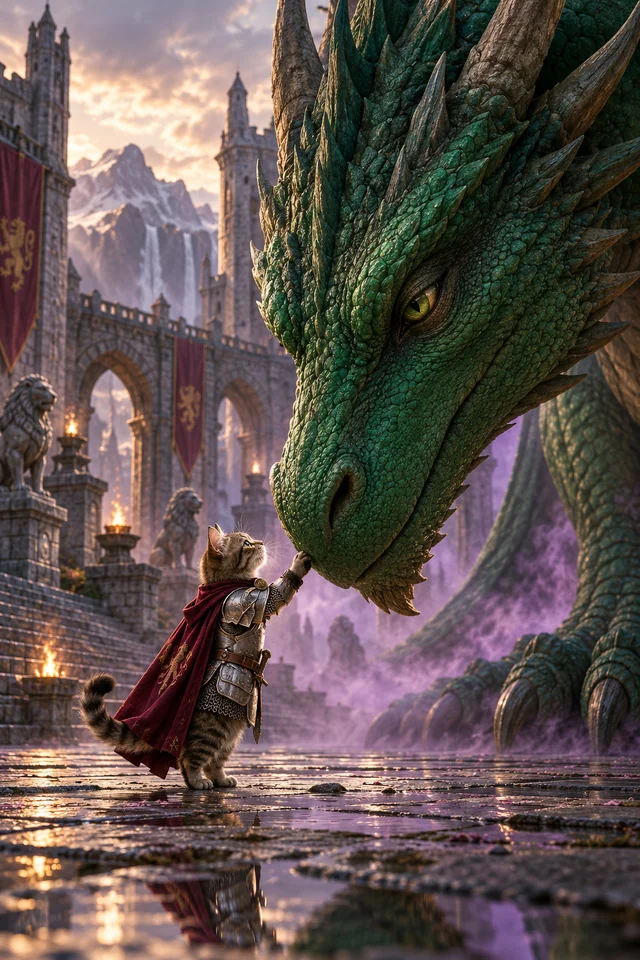
Use the uploaded cat photo as the sole cat identity reference. Preserve its face, fur markings, eyes, and ears. Create a tiny upright cat knight wearing silver armor and a burgundy cape, holding one small sword lowered beside its body. In an ancient castle courtyard, place an enormous emerald dragon several meters away, crouching with its head lowered toward the cat. Show the dramatic size difference. The dragon looks gentle and curious. Realistic fur, detailed armor, cinematic lighting, mist, vertical 9:16, no other characters or text.
Animate the finished image into an 8-second continuous shot, or use an available duration. The cat takes one brave step and looks up. The dragon slowly lowers its head, stopping in front of the cat. The cat touches the dragon's nose with its empty front paw; the dragon closes its eyes peacefully. Keep the sword lowered, identities and scale unchanged, and bodies separate. Slow camera push-in, gentle breathing and cape movement. No attacks, morphing, or extra limbs.

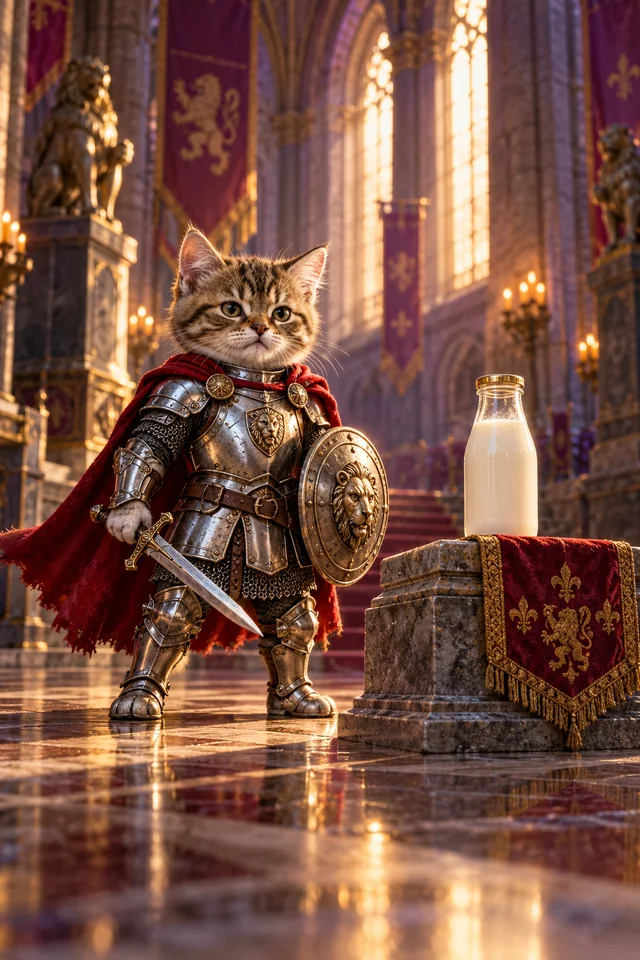
Use the uploaded cat photo as the only identity reference. Preserve its face, fur pattern, eyes, and ears. Show this same cat as a tiny upright knight in polished silver armor and a red cape beside one glass milk bottle on a low stone pedestal. Its right front paw holds a miniature sword; its left holds a small round shield. The cat looks intensely serious, guarding the milk like royal treasure. Grand medieval hall, warm sunlight, realistic fur and metal, full-body low-angle composition, vertical 9:16, no text.
Animate the finished image into a 6-second continuous shot, or use an available duration. Keep the cat, armor, sword, shield, and milk bottle unchanged. The cat checks left and right, takes one small sideways step in front of the bottle, and lifts its shield slightly. End with a serious look straight into the camera. The bottle stays stationary and intact. Subtle ear movement, gentle cape sway, slow camera push-in. No drinking, extra characters, duplicated objects, or floating weapons.
The knight cat trend centers on a small cat wearing medieval armor and carrying a sword. One meme variation places the tiny knight beside a much larger warrior. The prompts on this page recreate that visual contrast and offer original dragon, milk-guardian, and red-dot adventures for your own cat.
Start with a clear photo of your cat in a compatible image tool. Use a cat knight AI prompt to add armor and a fantasy setting while preserving its face and fur markings. Then animate the finished character image with an image-to-video model. Review identity and anatomy before downloading.
You can create an original knight cat video using a character image and a written motion prompt. A reference clip can help guide similar framing and movement in models that accept video references. Without one, describe the size difference, action, and camera movement explicitly. Use reference media you have permission to upload.
Try the tiny cat beside a giant knight for the recognizable size contrast, or the milk guardian for a playful single-character scene. Start with one small step or head turn. Dragon contact and jumping involve more complex motion, so simplify those actions or generate shorter clips if the results become distorted.
Check the starting image first and correct any distorted paws or weapons. Reuse the same character reference, specify which paw holds the sword, and ask to preserve fur markings and armor. Reduce the action to one simple movement. For playful hops, sheath the sword and keep both front paws empty.